ICEGATE Registration: How to Sign Up, Login, and Track Shipments

TL;DR - Summary
- What is ICEGATE? - ICEGATE is a digital portal for Indian Customs that allows businesses, like exporters and importers, to file trade documents and pay duties online.
- Is registration mandatory? - ICEGATE registration is mandatory for all goods exporters and importers to get customs clearance and process shipping bills.
- What are the major benefits of ICEGATE? - ICEGATE speeds up international trade through paperless filing, 24/7 access, and real-time status tracking.
- How to track shipments on ICEGATE? - You can track shipments by entering your port code and shipping bill details on the ICEGATE portal.
- What is needed to register? - For ICEGATE registration, you need a valid IEC and a Class 3 Digital Signature Certificate (DSC), GSTIN, business registration certificate, business KYC and bank documents.
What is ICEGATE?
ICEGATE is the Indian Customs Electronic Gateway, an e-filing and governance portal by the Central Board of Indirect Taxes and Customs (CBIC).
ICEGATE acts as a digital interface between Indian exporters, importers, shipping carriers, and customs, much like an e-commerce portal. On this portal, Indian traders can electronically file shipping bills and bills of entry, make e-payments for customs duties, upload supporting documents, and track IGST refunds.
What are the Benefits of ICEGATE Portal?
ICEGATE simplifies how exporters and importers communicate with Indian Customs and makes compliance a lot more easy. Here is what it handles for traders on both sides of the border:
Paperless filing of shipping bills & bills of entry
ICEGATE runs on electronic data exchange infrastructure, which means you can file shipping bills and bills of entry digitally. It also reduces the administrative costs related to document storage and manual entry for the government and helps customs officials to run the compliance process more smoothly.
Real-time tracking of customs document status for exporters
Exporters, importers, and even shipping carriers use ICEGATE to track their shipment’s journey through the customs pipeline. Exporters find out whether the documents are stuck under a query early on and take measures to resolve them to avoid demurrage charges. From a regulatory perspective, real-time tracking creates a clear digital audit trail of the entire customs clearance process.
Faster customs clearance and export payments
ICEGATE automatically matches shipping bill data with the Export General Manifest (EGM), which the shipping carrier fills out after exporting the goods. Quick exports mean quicker payments from customers and eBRCs from banks. Fast clearance also means that the government can handle a growing volume of international trade with minimal logistical issues.
Electronic duty payment via e-payment (NEFT/RTGS) instead of manual bank visits
ICEGATE provides traders with a 24/7 platform to pay customs duties electronically. You can use NEFT or RTGS and receive immediate digital acknowledgments. Simultaneously, the government can collect revenue efficiently while eliminating the risks of fraud, leakage, or underpayment, which were common in traditional offline payment systems.
Single-window access for exporters to view IGST refund status and drawback claims
As an exporter, you can also claim IGST refunds, duty drawbacks, and RoDTEP benefits on ICEGATE. It integrates real-time data from GSTN and DGFT for automatic reconciliation and faster disbursement of refunds. It’s a win-win for both you and the government. You get to predict your refund timelines while the government gets a synchronized view of trade compliance.

What Does ICEGATE Handle for Traders?
Exporter's Journey through ICEGATE
Hover any stage to see how you use ICEGATE there
Pre-Export
You register on ICEGATE and link your IEC, GSTIN, and bank details. This activates your trader profile so you can file documents later.
Filing
You file the shipping bill electronically, upload supporting documents via e-Sanchit, and pay customs duty through the e-payment gateway.
At Port
You track shipping bill status in real time and respond to any customs queries directly through the portal.
Export
You receive the Let Export Order through ICEGATE. The portal matches your shipping bill with the carrier's EGM to confirm export.
Post-Export
You track IGST refunds and drawback claims on ICEGATE. Export data is shared with your bank to support eBRC closure.
From e-filing to e-payment, ICEGATE fulfills many services for Indian traders:
Core Electronic Filing (E-filing)
- Customs Declarations: Submit shipping bills for exports and bills of entry for imports digitally
- Manifest Management: Shipping carriers file Import General Manifests (IGM) and Export General Manifests (EGM) to record cargo arrivals and departures.
Electronic Payment Facility
- E-Payment of Duties: Pay customs duties and fees via NEFT or RTGS
Comprehensive Document Tracking
- Customs Document Status: Track shipping bills and bills of entry through the entire approval pipeline.
- Refund and Drawback Tracking: Monitor pending IGST refunds and duty drawback claims to realize export incentives on time.
- Cargo Manifest Tracking: Verify the status of IGM (arrival) and EGM (departure) filings to resolve possible clearance bottlenecks early.
Verification and Enquiry Services
- Licence and Code Verification: Verify Importer Exporter Code (IEC) status and validity of export licences like EPCG, DES, and DEPB.
- Information Lookup: Check exchange rate notifications and use built-in duty calculators for accurate cost calculations.
Advanced Digital Tools
- e-Sanchit: This is a specialized portal inside ICEGATE for digitally uploading export invoices and certificates.
- Common Signer Utility: A free web-based tool you can use to digitally sign your customs documents.
- 24/7 Helpdesk Support: A dedicated support system to resolve your technical or customs-related queries.
Who Needs to Use ICEGATE?
ICEGATE registration is mandatory for businesses or individuals directly involved in international trade. It is an official interface to interact with Indian Customs and file mandatory declarations, and execute duty payments.
The following entities must register their businesses on the portal:
- Importers and Exporters
- Customs House Agents (CHAs) / Customs Brokers
- Shipping Lines and Airlines
- Freight forwarders and console agents
- Terminal Operators and Custodians
Why Goods Exporters are the Primary Users
Goods exporters are the primary users of ICEGATE because every physical shipment leaving India requires a shipping bill. This document is a declaration of the goods’ nature, value, and destination to the customs officials. Without an active ICEGATE registration, an exporter cannot receive the Let Export Order (LEO); the final green light for a cargo to leave a port or airport.
Should service exporters register on ICEGATE?
Service exporters typically don't need to register on ICEGATE because they don't file shipping bills or move physical cargo through customs. Their export compliance and GST refund workflow runs entirely through the GST Portal. ICEGATE registration becomes relevant only if the service business also imports goods (capital equipment, hardware), operates within an SEZ where customs filings are required, or participates in the cargo logistics chain as a service provider.
Who Needs to Register on ICEGATE
Must Register
Required to file customs declarations and clear cargo
- Physical goods exporters & importers
- Customs brokers (CHAs)
- Shipping lines & airlines
- SEZ-based service providers
May Not Need to Register
Not directly involved in customs filings
- Pure service exportersConsultants, freelancers
- Domestic suppliersNot involved in direct export
- Individual travellersNot involved in trade
How to Register on ICEGATE: A Step-by-Step Guide
Follow this step-by-step process to complete registration on the ICEGATE portal:
- Visit the ICEGATE website and click on “Login/Sign up” in the upper-right corner.
 ICEGATE Login Page
- Tap on “Register now”, then select “Fresh Registration—Don’t have Reference ID”.
 ICEGATE New Registration Page
- Choose your specific role: Importer/Exporter, Customs Broker, or Shipping Line
 ICEGATE Registration: Select the role
- Enter your GSTIN and Importer Exporter Code (IEC). The system will automatically fetch your contact details from the GST portal.
 ICEGATE Registration: GSTIN and IEC Page
- Select your contact details and click on proceed.
 ICEGATE Registration: Contact Details Page
- Verify your identity with email and mobile number details. You will need to enter two separate OTPs: one sent to your registered mobile number and another to your email.
 ICEGATE Registration: OTP Page
- The system generates a reference ID valid for 15 days.
 ICEGATE Registration: Reference ID Generated
- Then you need to complete your Role Registration form by filling in the organization details first.
 ICEGATE Registration: Role Registration
- Then you will have to fill in Authorised Parent User details.
 ICEGATE Registration: Authorised Parent User Details Page
- Use the “Save as Draft” button frequently to avoid losing data. Always “Preview” your form to catch errors before the final submission.
 ICEGATE Registration: Submitted Message
The user can also “Modify” the details before final submission and download.
How to Login to ICEGATE After Registration
Two or three days after your successful registration, you will receive your final user ID and password via your registered email.
Visit the homepage and click the Login/Signup button. Enter your registered credentials under “ICEGATE User” category.
Important URL Update: Use the new official URL: https://www.icegate.gov.in.
What Documents Are Required for ICEGATE Registration?
The following comprehensive list covers all the documents you need for ICEGATE registration:
Business Documents
- Import Export Code (IEC) or certificate issued by the DGFT
- GST Registration Certificate (GSTIN)
- Certificate of Incorporation or Business Registration Certificate.
- Partnership Deed or Trade Licence
- Official Authorization Letter on company letterhead granting permission to the authorized signatory.
- Customs Broker (CHA) license for brokers or an airline license for carriers.
KYC (Know Your Customer)
- Business PAN card
- Aadhaar Card
- Voter ID card
- Valid passport or driving license.
- Business address proof
Bank and Financial Documents
- Bank account details officially linked to your IEC.
- Latest bank statement or a cancelled cheque
- AD Code letter issued by your bank
Digital Signature Certificate (DSC) Requirements
ICEGATE mandates Class 3 Digital Signature Certificate (DSC) to authenticate electronic filings and registration steps. You must get a DSC from a certifying authority approved by the Controller of Certifying Authorities (CCA), such as e-Mudhra or Sify.
What is a CCA-Approved Certifying Authority?
The Controller of Certifying Authorities (CCA) licenses and oversees the operations of certifying authorities. A CCA-approved authority is a government-verified organization to issue digital signatures under the IT Act.
✅ PRO TIP
The PAN on your Import Export Code (IEC) must match the PAN used for ICEGATE registration. Data mismatches between the two are a common cause of registration rejection.
How to check ICEGATE Registration Status?
Follow these steps to find the ICEGATE registration status:
- Visit ICEGATE portal and then the registration menu
- Tap the Register Now button
- Click on Continue using reference ID
- Enter the reference ID and click on Track status using Reference ID (for ICEGATE roles)
- Or click on Track Status using Reference ID (ARN) for Warehouse Licensee Requests
- Allow two to four working days for final customs approval
How to Track Shipping Bills on ICEGATE?
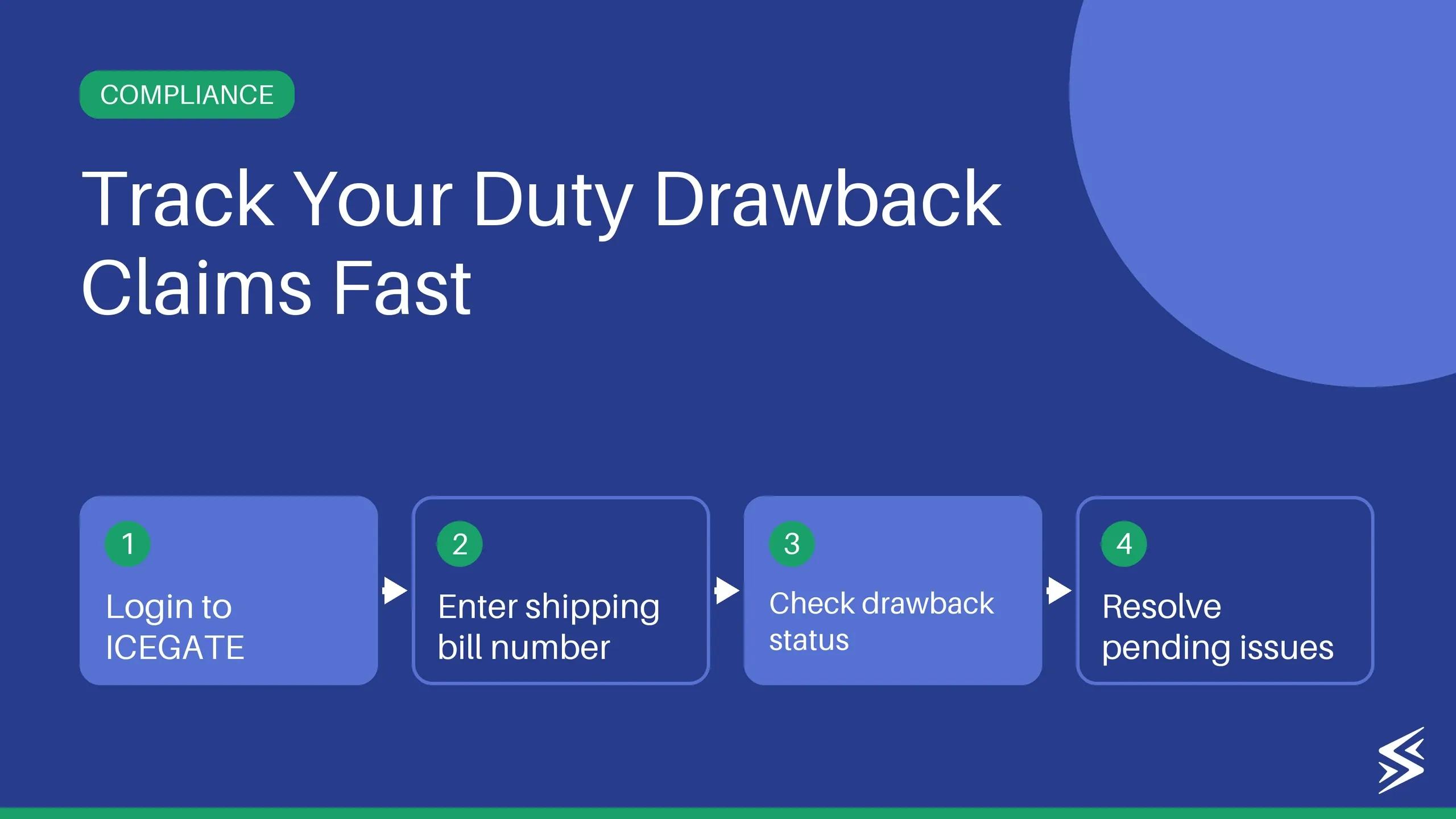
Track shipping bills on ICEGATE using your Shipping Bill (SB) number and the exact date it was filed. You will find them on your export invoice or within the remarks section of Bill of Lading.
Once you have the SB number, follow these exact steps:
- Visit the ICEGATE portal
- Go to Services -> Enquiry -> Public Enquiry 2.0
- Tap on Document Status, then choose Document Type as Shipping bill
- Select location (port code), and enter shipping bill no. and shipping bill date
- Tap on the Search button
You can check out our comprehensive blog on how to download shipping bills from ICEGATE as the next step.
⚠️ COMMON MISCONCEPTION
Shipping bill tracking is not the same as payment tracking. ICEGATE monitors your customs clearance and the movement of goods. It does not track your actual payment receipts.
How Skydo helps once ICEGATE Registration is complete
After you get the Let Export Order, you still have to receive and track international payments.
This is where Skydo can step in and help you streamline your business. Skydo is purpose-built for Indian exporters and solves three critical challenges exporters face after their exports have left India.
1. Hidden Fees and High Forex Margins
Banks charge currency conversion rates and hidden intermediary charges that can reach up to 8% of your total transaction value. Skydo uses a transparent, flat-fee pricing model: $19 for payments under $2000, $29 for $2000 to 10,000 payments or a simple 0.3% for payments above $10,000. International currencies are converted to INR using mid-market exchange rate with no forex markups.
2. Automating Compliance and Documentation
Banks take time to issue Foreign Inward Remittance Advice (FIRA) and generate IRMs for Electronic Bank Realisation Certificates (eBRC), which delays your GST refunds. Skydo instantly provides a free FIRA for every transaction and enables bulk shipping bill uploads for easy eBRC closures. You can also generate and verify your eBRC in just one click.
3. Real-Time Payment Visibility
With banks, it’s hard to know where your payment is. Skydo provides real-time tracking for every incoming payment against specific invoices. You always have clarity, and therefore, you can plan your business expenses.
Find out if it’s worth trying Skydo. It only takes a few minutes to set up your free virtual account in USD, EUR, GBP, SGD, AUD, and CAD.
How to Track Shipping Bills and Bill of Entry on ICEGATE?
Visit the ICEGATE portal, go to Public Enquiry 2.0, choose document type, then Shipping Bill. Enter port code, shipping bill number, and filing date to view the current status. For a Bill of Entry, log in to your account, select the Bill of Entry status section, and provide the unique document number and date range to see real-time updates
What Is the Difference Between Old ICEGATE and New ICEGATE?
How to Contact ICEGATE Customer Care for Support?
Is ICEGATE registration mandatory for all exporters?
How long does ICEGATE registration take?